I used Adobe Premiere Pro to edit my opening sequence. First, I aligned my clips in sequence and then i used the feature ‘Warp stabiliser’ on some clips which were hand held and shaky.
Then i used the feature ‘Denoise’ to remove grains from some of my clips.
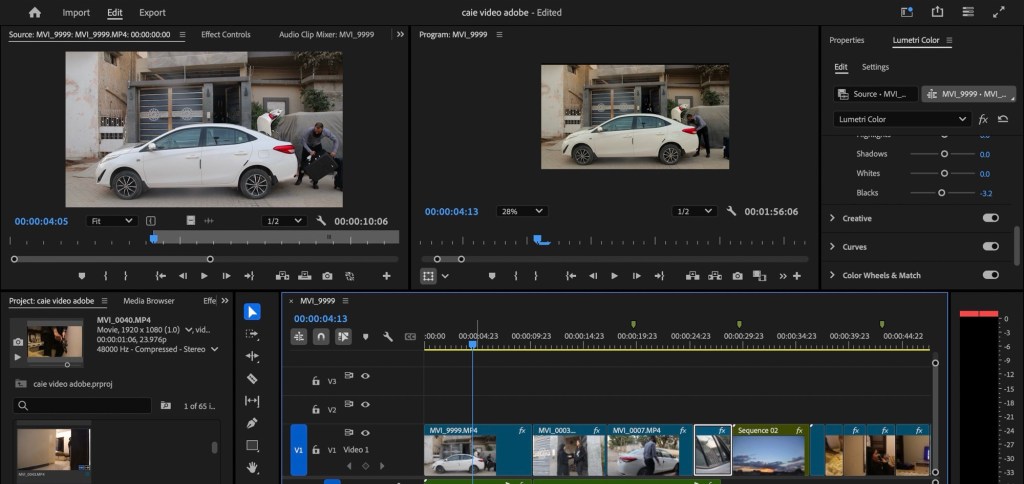
I colour graded my clips from the colour grading panel using lumetri colour. I did basic correction like exposure,saturation,shadow,highlights,temperature,blacks and whites. It gave my opening sequence more professional look
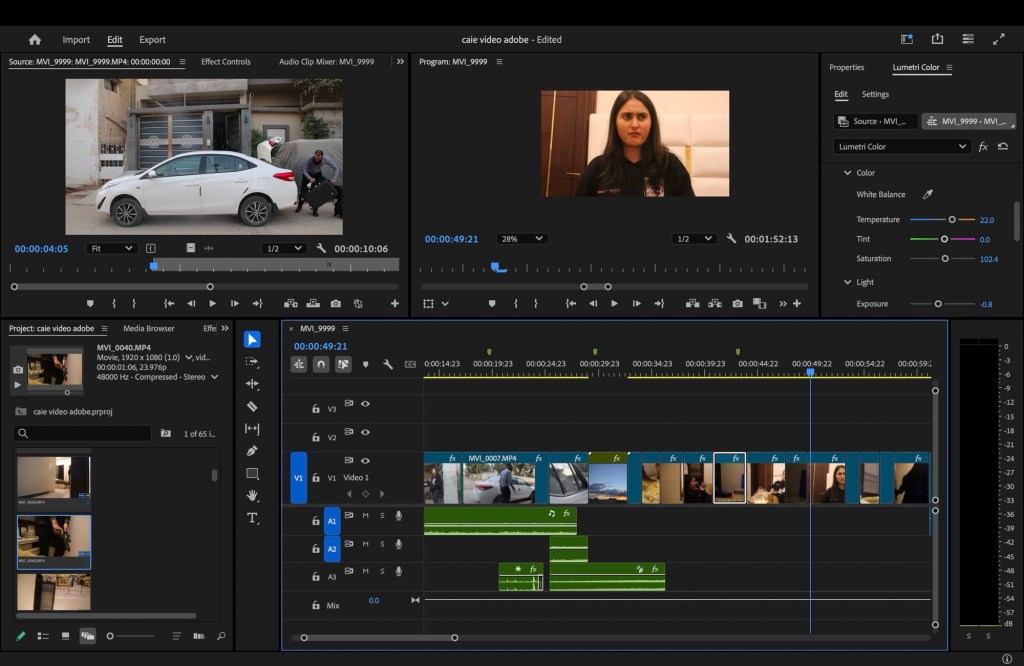
Then i added sound according to my sequence. I chose sound from a website called ‘free sound’ and used the feature of audio transition ‘constant power’ and ‘exponential fade’ to make different sounds blend. I used some sound effects like gunshot,footsteps,birds chirping,door creaking etc mixed with intense music.
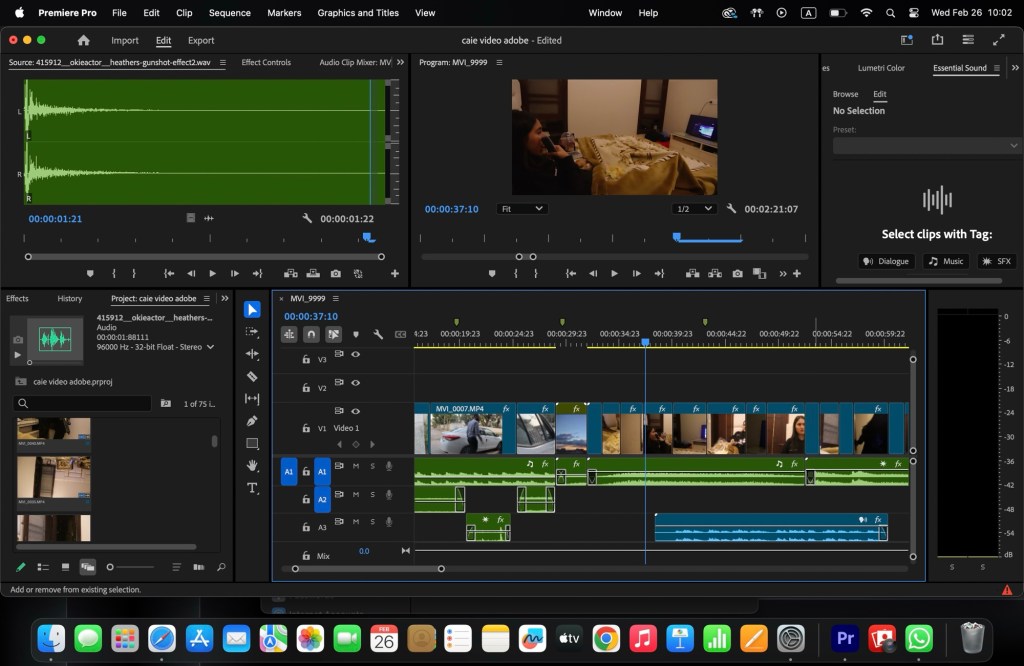
At last, i created my title using different apps. First i chose the font from capcut , and then i chose blood red colour for it to go with the theme. And then i used animation feature from adobe and capcut.
 Umaima amin
Leave a comment